
Download Tab Catalog – Firefox tab manager, thumbnail preview, free extension
Overview
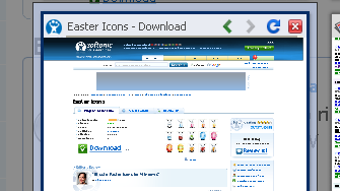
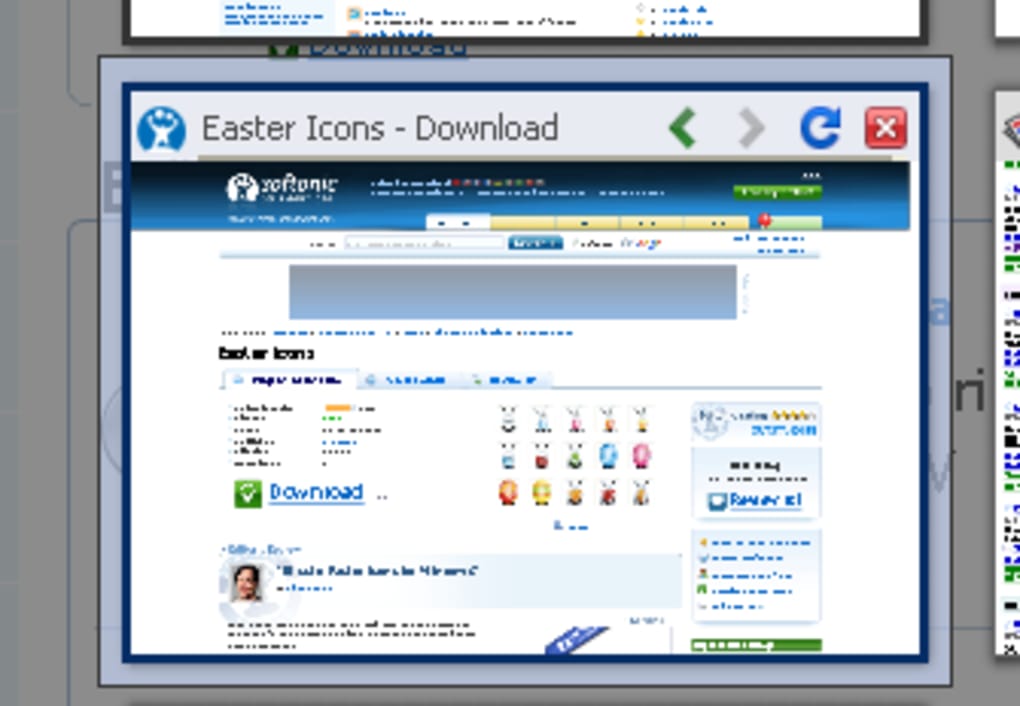
Tab Catalog is a lightweight yet powerful Firefox add‑on designed to bring visual clarity to the chaos of dozens of open tabs. By generating small thumbnail images for each active page, the extension creates a pop‑up gallery that lets you spot the right tab at a glance, close unwanted pages, or jump directly to the content you need. The interface appears inside a translucent dark overlay, keeping the focus on the thumbnails while preserving the context of your current tab.
Whether you summon the catalog via the toolbar icon, a quick keyboard shortcut, or the clever “both‑mouse‑buttons” trick, the experience remains swift and intuitive. Tab Catalog works with Firefox 3.6 and newer, including the latest Quantum builds, and respects native shortcuts such as Ctrl‑Tab, avoiding conflicts that plagued earlier versions. While the thumbnail quality is intentionally modest—enough to convey a page’s layout without taxing system resources—it excels when you’re juggling multiple projects, research sources, or social media streams.
The add‑on also offers a rich set of configuration options, from thumbnail size to pop‑up positioning, letting power users tailor the view to their workflow. In short, Tab Catalog transforms an otherwise invisible tab list into a visual dashboard, making tab management less about memory and more about quick, confident selection.
Key Features and Configuration Options
- Live thumbnail previews for every open tab, refreshed on demand.
- Multiple activation methods: toolbar icon, keyboard shortcut, or simultaneous left‑right click.
- Translucent dark overlay that keeps the current page visible behind the catalog.
- One‑click navigation: click a thumbnail to jump, right‑click to close, middle‑click to reload.
- Built‑in back‑and‑forward controls within the catalog window.
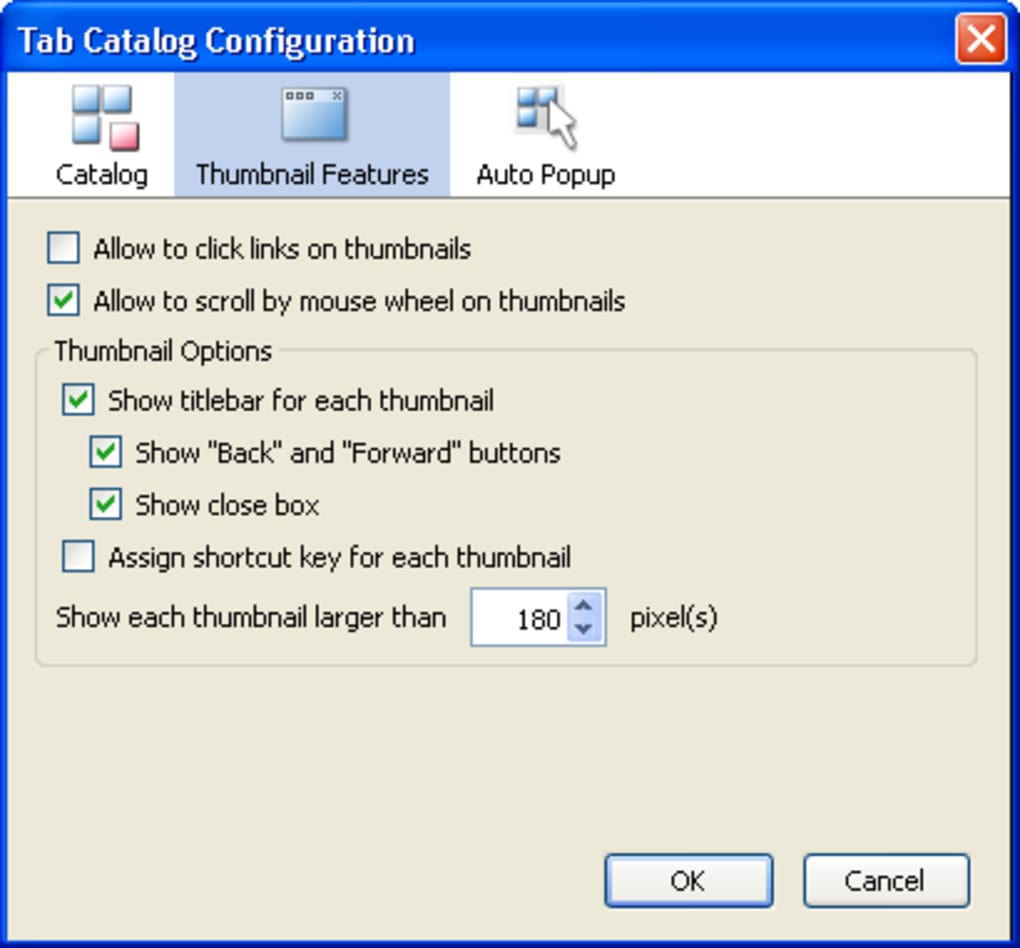
- Adjustable thumbnail size, spacing, and border styles through the options page.
- Compatibility with Firefox’s native Ctrl‑Tab switcher—Tab Catalog no longer overrides it.
- Support for selected‑tab actions via the Multiple Tab Handler add‑on.
Pros
- Instant visual reference saves time when many tabs share similar titles.
- Lightweight footprint – the add‑on does not noticeably slow down Firefox.
- Highly customizable; users can fine‑tune appearance to match dark or light themes.
- Non‑intrusive overlay keeps your browsing context intact.
- Free and open‑source, with regular updates for new Firefox releases.
Cons
- Thumbnail resolution is low; identical‑looking sites can still be hard to differentiate.
- Initial thumbnail generation may cause a brief pause when opening many tabs at once.
- Only works on Firefox; no native support for Chrome, Edge, or Safari.
Tab Catalog runs on any operating system that supports Firefox, including Windows 10/11, macOS 10.14+, and popular Linux distributions such as Ubuntu, Fedora, and Debian.
Installation & Usage Instructions
Getting Tab Catalog up and running is a straightforward three‑step process:
- Download the add‑on: Open Firefox, navigate to the official Mozilla Add‑Ons page, and search for “Tab Catalog.” Click the Add to Firefox button. Firefox will prompt you to confirm the installation; accept the permissions and the add‑on will be added to your browser.
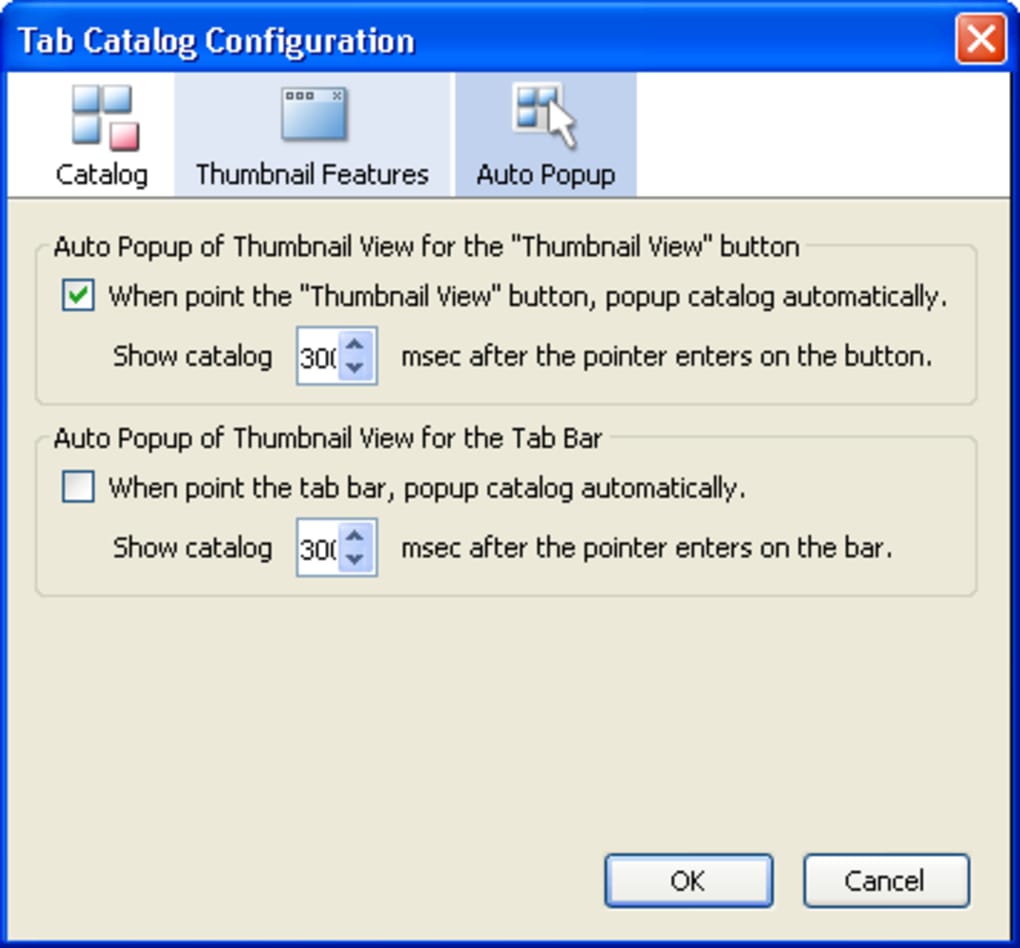
- Configure your preferences: After installation, a new icon appears on the toolbar. Right‑click the icon and select Options (or go to
about:addons → Tab Catalog → Preferences). Here you can set thumbnail dimensions, choose whether the overlay darkens the background, and define a custom keyboard shortcut if the default does not suit you. - Open the catalog: Click the toolbar icon, press the shortcut (default Ctrl+Shift+T), or press both mouse buttons simultaneously on any page. The pop‑up will display all open tabs as thumbnails. Hover over a thumbnail to see a larger preview; click to activate the tab, middle‑click to reload, or right‑click to close.
For power users, Tab Catalog integrates with the Multiple Tab Handler extension, allowing batch actions such as closing all tabs from a specific domain. The add‑on also respects Firefox’s native tab groups, meaning that if you use containers, the thumbnails will be grouped accordingly. If you ever need to reset the configuration, simply click the Reset to defaults button on the options page.
Updating Tab Catalog is handled automatically by Firefox’s add‑on manager. When a new version is released, you’ll receive a notification in the Add‑ons Manager, and a one‑click update will keep the extension compatible with the latest browser features.
Conclusion, FAQ & Call to Action
Overall, Tab Catalog delivers a clean, visual solution for managing a large number of Firefox tabs. Its strengths lie in speed, customizability, and a non‑intrusive UI, while its primary limitation is the modest thumbnail resolution. For users who frequently work with research tabs, multiple projects, or heavy browsing sessions, the benefits outweigh the drawbacks.
Frequently Asked Questions
Is Tab Catalog completely free?
Yes, Tab Catalog is offered at no cost on the Mozilla Add‑Ons marketplace and does not contain any hidden fees or premium tiers.
Can I use Tab Catalog on mobile Firefox?
Currently the add‑on is only compatible with the desktop version of Firefox. Mobile Firefox does not support this type of extension.
How does Tab Catalog affect browser performance?
The extension creates low‑resolution thumbnails, which consume minimal memory. In typical use it has an almost negligible impact on performance, even with 50+ tabs open.
Can I customize the keyboard shortcut?
Yes. The Options page provides a field where you can set any combination of modifier keys and letters to open the catalog.
Does Tab Catalog work with private browsing windows?
The add‑on respects Firefox’s privacy settings. In a private window it will only show tabs opened within that session and will not store any thumbnail data after the window is closed.
If you regularly find yourself lost among dozens of open tabs, download Tab Catalog today and regain visual control of your browsing environment. The installation takes seconds, the configuration is optional, and the payoff is an instantly clearer view of every page you have open. Click the “Add to Firefox” button now and experience a smoother, more organized web session.







